ARCHIVE GUIDE
Best Formats for Storing Family Archives
Digital Preservation Strategy: Reading time approx. 5 min
After digitizing your analog tapes and films, the most critical decision is choosing how to store and manage the resulting data. Simply converting a physical medium to a digital file is not enough; to ensure these memories remain accessible in 10, 20, or 50 years, you must select formats that are industry-standard and widely compatible. This guide explores the optimal file formats for different media and provides specific storage advice tailored to the environmental conditions of Sapporo, Hokkaido.
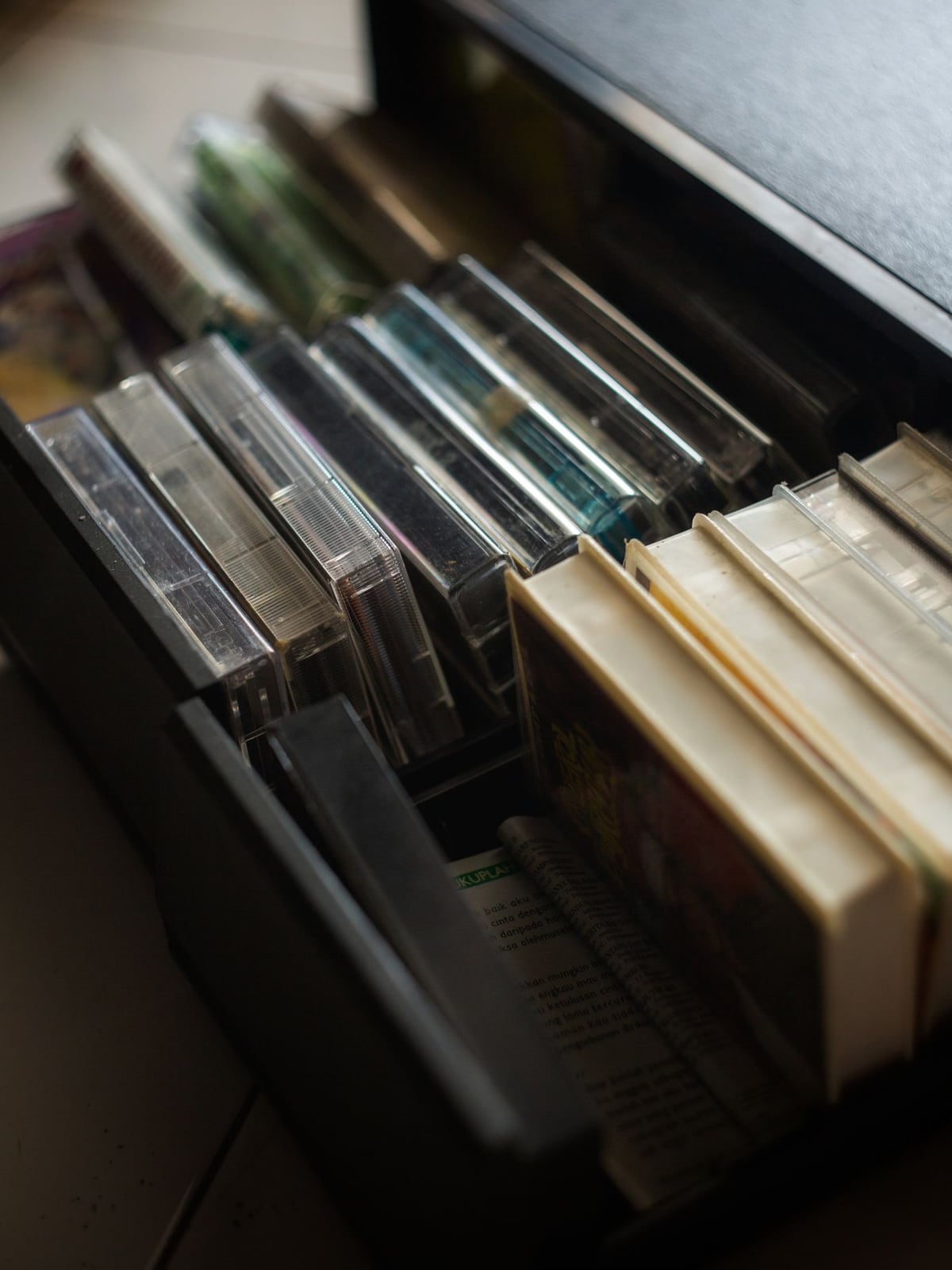
1. Audio Preservation: Choosing Between WAV and MP3
When digitizing audio recordings, you generally choose between "uncompressed" (WAV) and "compressed" (MP3) formats. The correct choice depends on whether the file is intended for archival preservation or daily listening.
For master archives, WAV format is the industry standard. WAV records audio exactly as it is, without losing any data. This ensures that no quality is lost and allows for future restoration or editing as software evolves. Conversely, MP3 is ideal for sharing via email or listening on smartphones due to its significantly smaller file size.
At Jungliryze, we deliver files in the format that suits your needs. For rare or high-value recordings, we strongly recommend WAV. For more information on our processes, please visit our Audio Tape & Reel Digitization page.
2. Video Archives: MP4 and MOV Compatibility
For video tape digitization, MP4 (H.264/H.265) is currently one of the most versatile formats. It is natively supported by Windows, macOS, iOS, Android, and most modern smart TVs, making it a highly reliable choice for family archives.
While professional editors might prefer MOV for high-bitrate projects, MP4 offers an effective balance between visual fidelity and storage efficiency for home use. To maintain an organized library, we recommend a strict naming convention, such as "YYYY-MM-DD_EventName," ensuring your memories remain searchable as your digital collection grows.
3. Photos and Slides: The TIFF vs. JPEG Debate
When scanning film and slides, the format choice depends on the intended use. JPEG is convenient for social media and quick viewing, but for long-term preservation and high-quality printing, TIFF format is essential.
TIFF is a lossless format, meaning it preserves every nuance of color and detail without compression artifacts. The professional approach to archiving is a "two-tier" system: save the master file as a TIFF for permanent storage and create JPEG copies for everyday viewing and sharing.
4. Selecting Storage Devices and Managing Risks
The physical location of your data is just as important as the file format. There are three primary options, each with specific risks:
- External SSD/HDD: Offers high capacity and speed. However, HDDs are sensitive to physical shock, and all hardware eventually fails.
- USB Flash Drives/SD Cards: Extremely portable but easy to lose. Additionally, flash memory can suffer from "data rot" if left without power for several years.
- Cloud Storage: Eliminates the risk of physical loss or hardware failure and simplifies sharing. However, it requires a subscription and relies on the longevity of the service provider.
5. Physical Storage Considerations in Sapporo
Many clients in Sapporo Chuo-ku choose to keep their original tapes and films after digitization. In Hokkaido's climate, protecting these media from extreme winter dryness and summer humidity is vital.
Analog media are highly sensitive to temperature and humidity fluctuations. Store originals in a cool, dark, and well-ventilated area, away from direct sunlight. For digital hardware, avoid placing external drives near windows where sudden temperature changes can cause condensation. For tips on preparing your media before they reach us, see our How to Prepare Your Tapes for Digitization guide.
6. The 3-2-1 Backup Rule for Total Security
To prevent catastrophic data loss, we recommend the globally recognized "3-2-1 Rule." Implementing this strategy ensures your memories survive hardware failure or natural disasters.
| Requirement | Description | Example |
|---|---|---|
| 3 Copies | Keep the original data and two backups | PC + External HDD + Cloud |
| 2 Different Media | Use different types of storage technology | HDD and SSD, or HDD and Cloud |
| 1 Off-site Copy | Store one copy in a different physical location | Cloud storage or a relative's home |
Conclusion: Passing Memories to the Next Generation
Digitization is not the final destination, but the beginning of a new management process. By choosing the right formats (WAV, MP4, TIFF) and maintaining a rigorous backup schedule, you transform fragile analog recordings into digital assets that can be passed down for a century.
If you are unsure which format is suitable for your specific collection or need advice on managing a large-scale family archive, we are here to help. We can propose a customized preservation plan based on your goals and technical comfort level.